Wan AI Video Generator: Turn Any Idea into a Cinematic Clip
Type a scene or drop in a photo. Wan AI brings it to life with smooth motion, sharp detail, and matching sound in minutes.
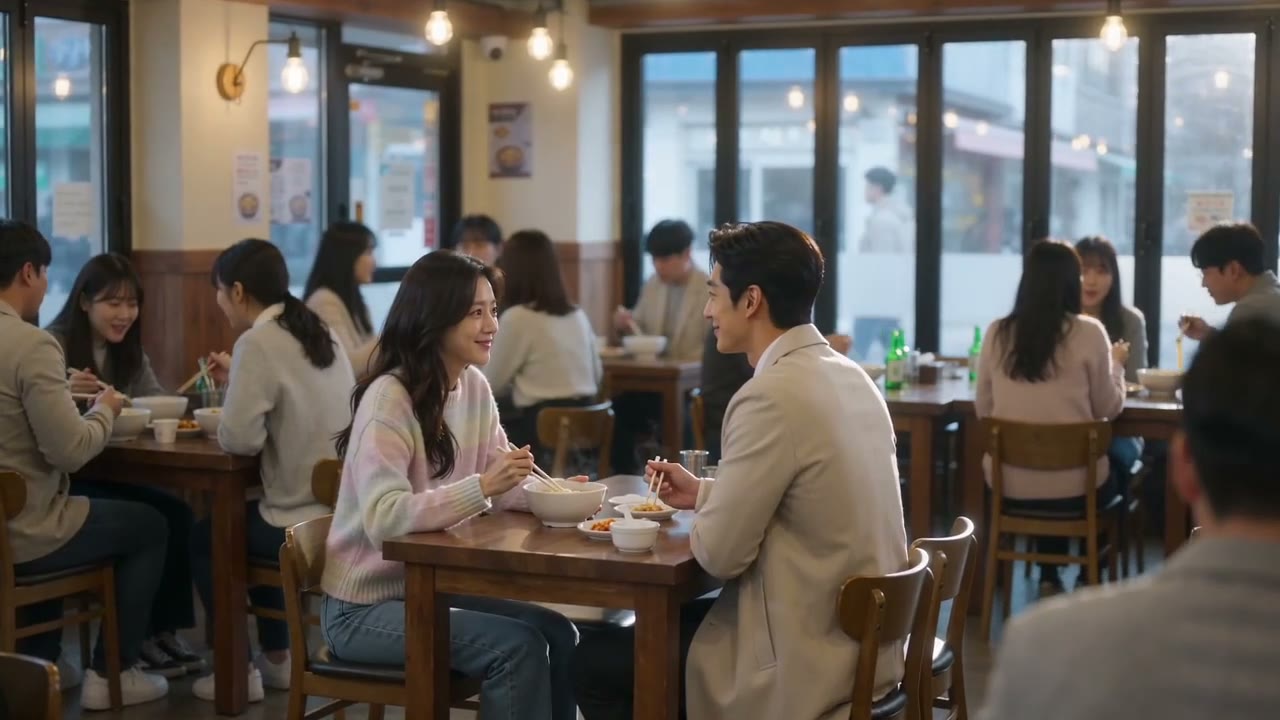
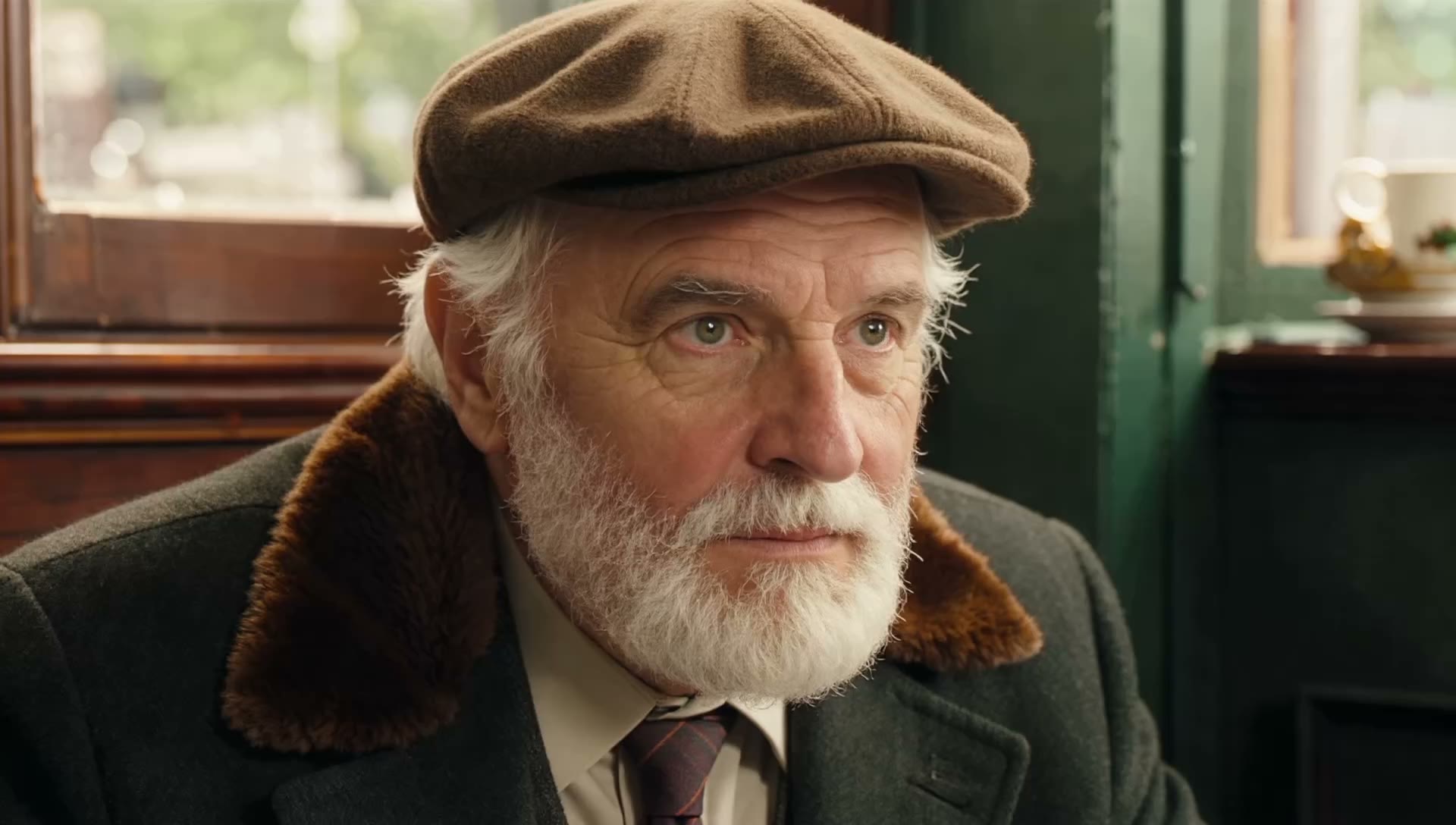
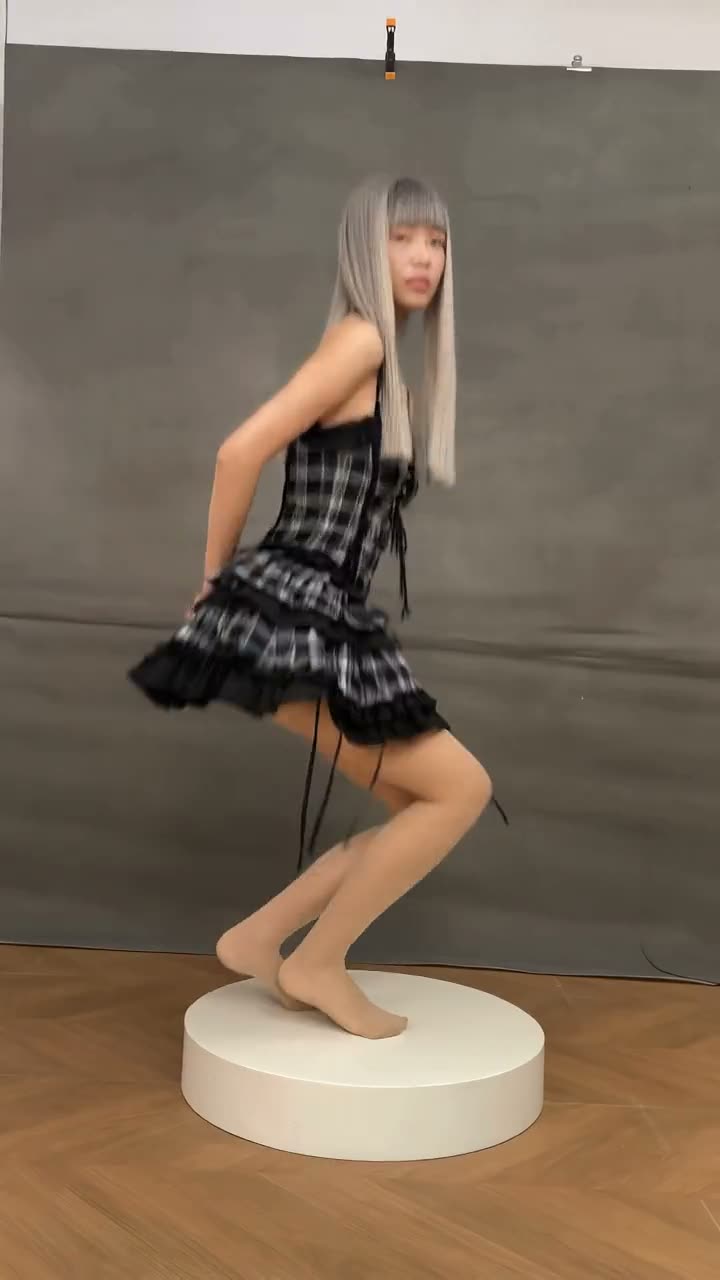
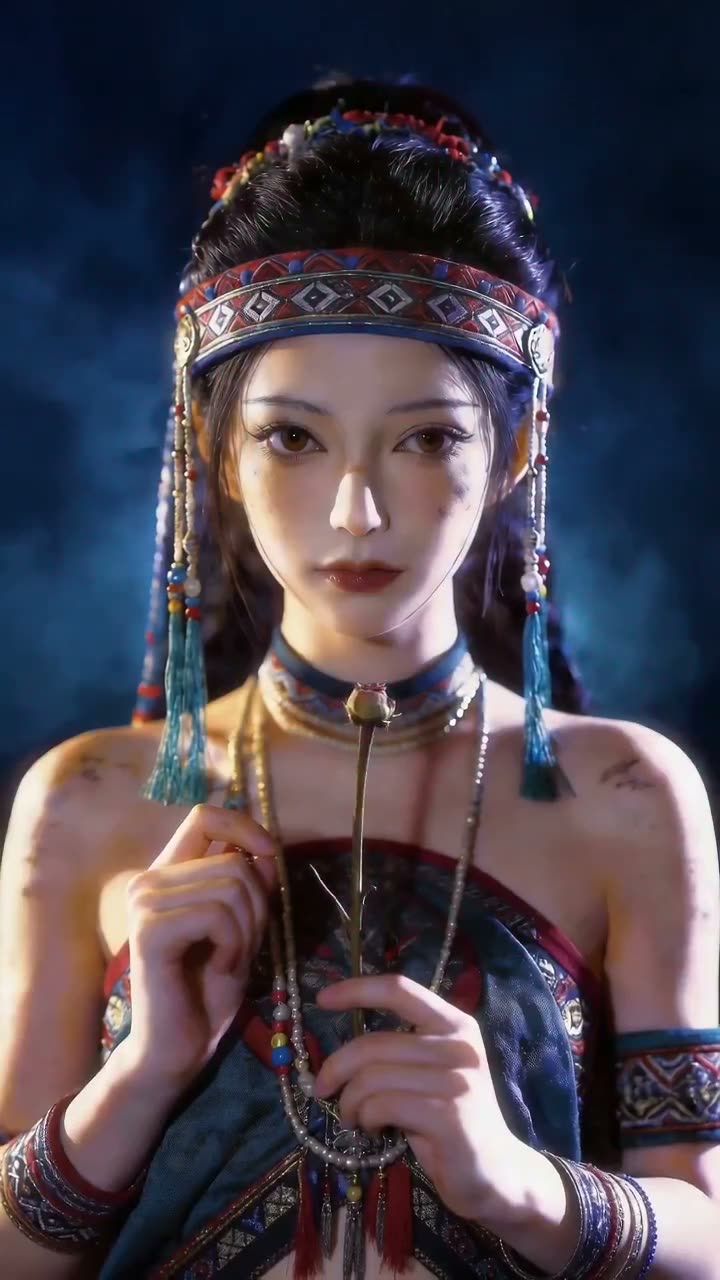
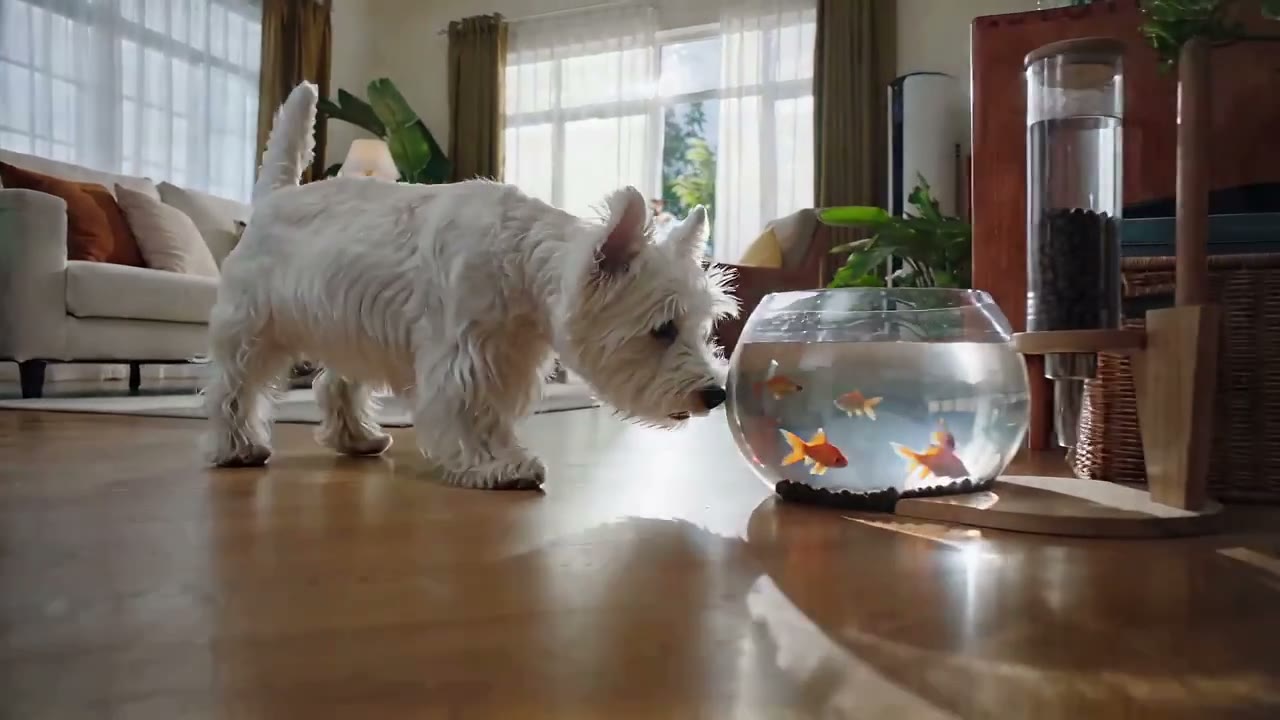
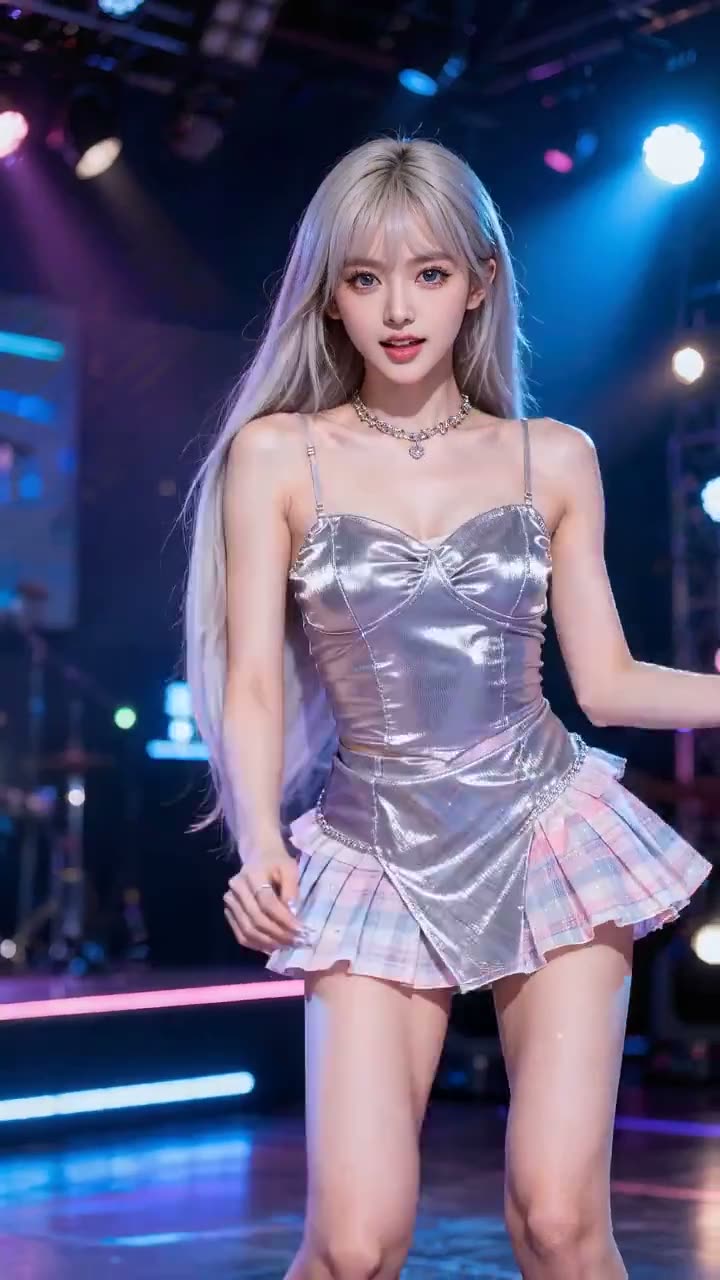
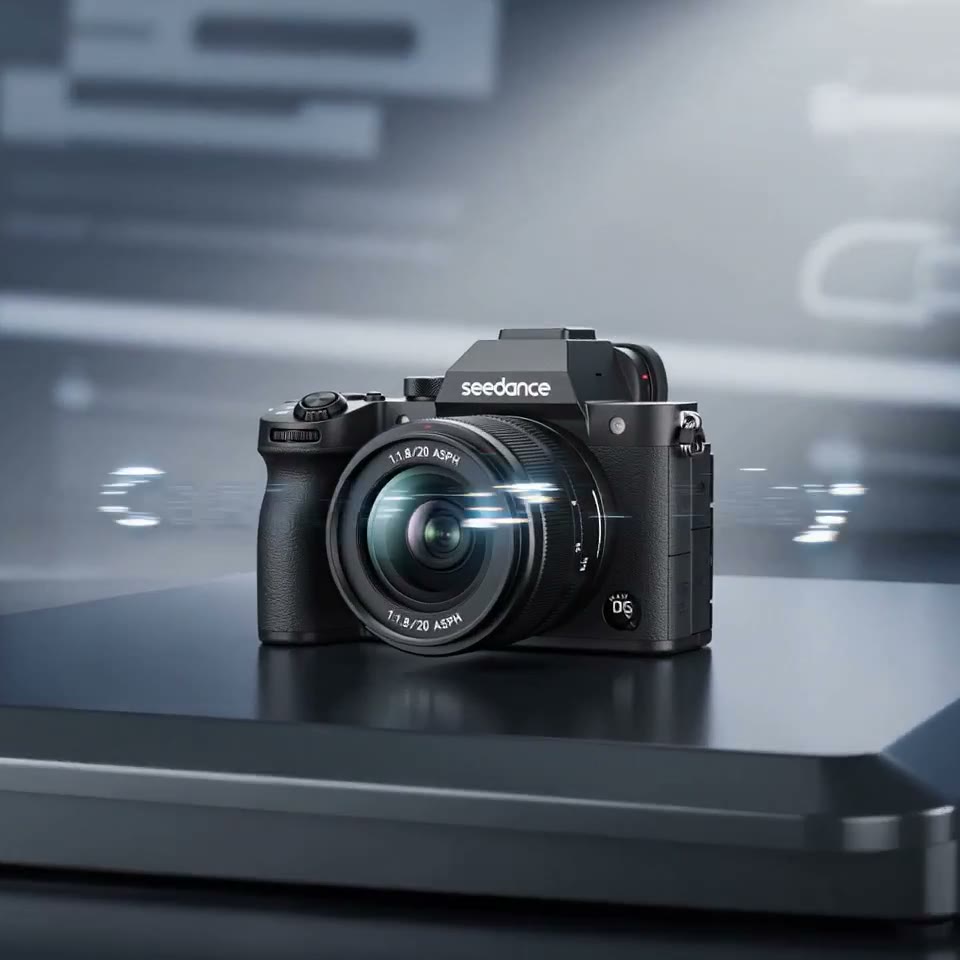
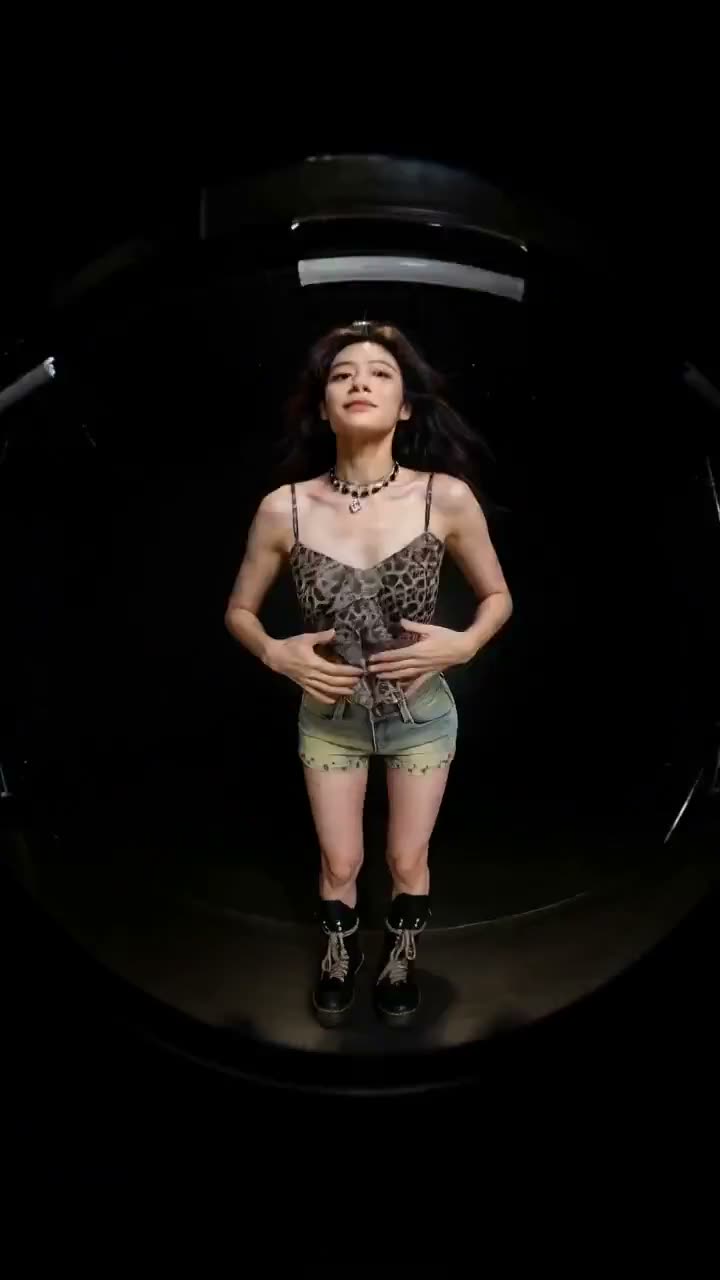
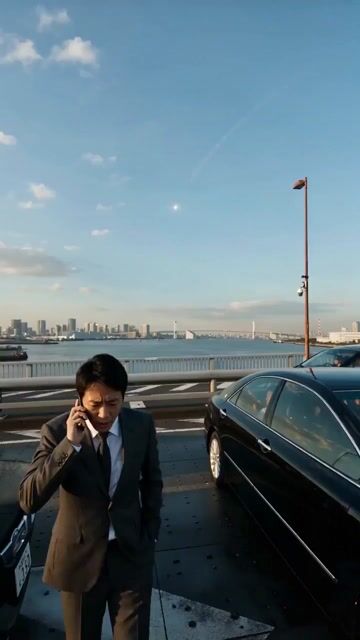
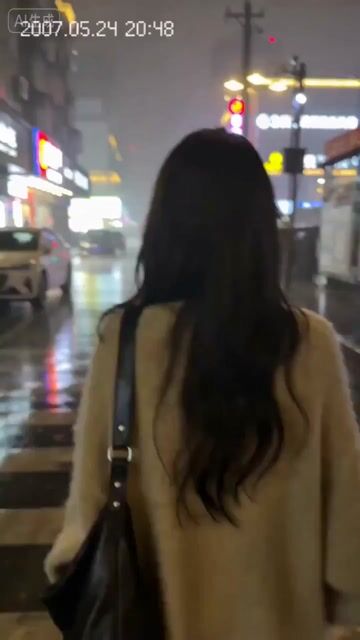
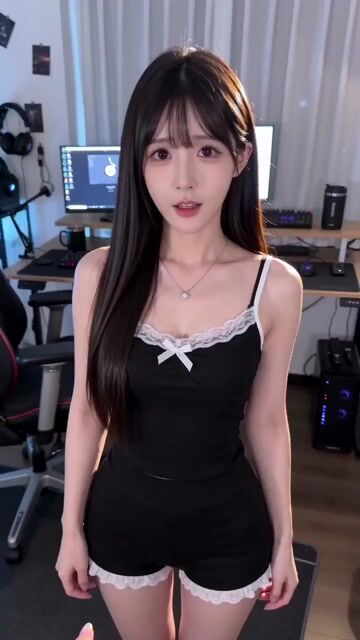
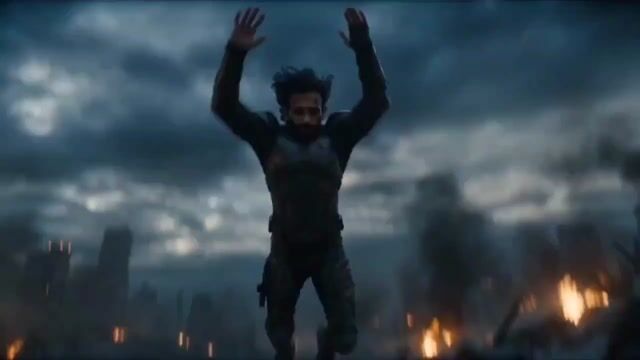
Get Inspired by Wan AI Videos
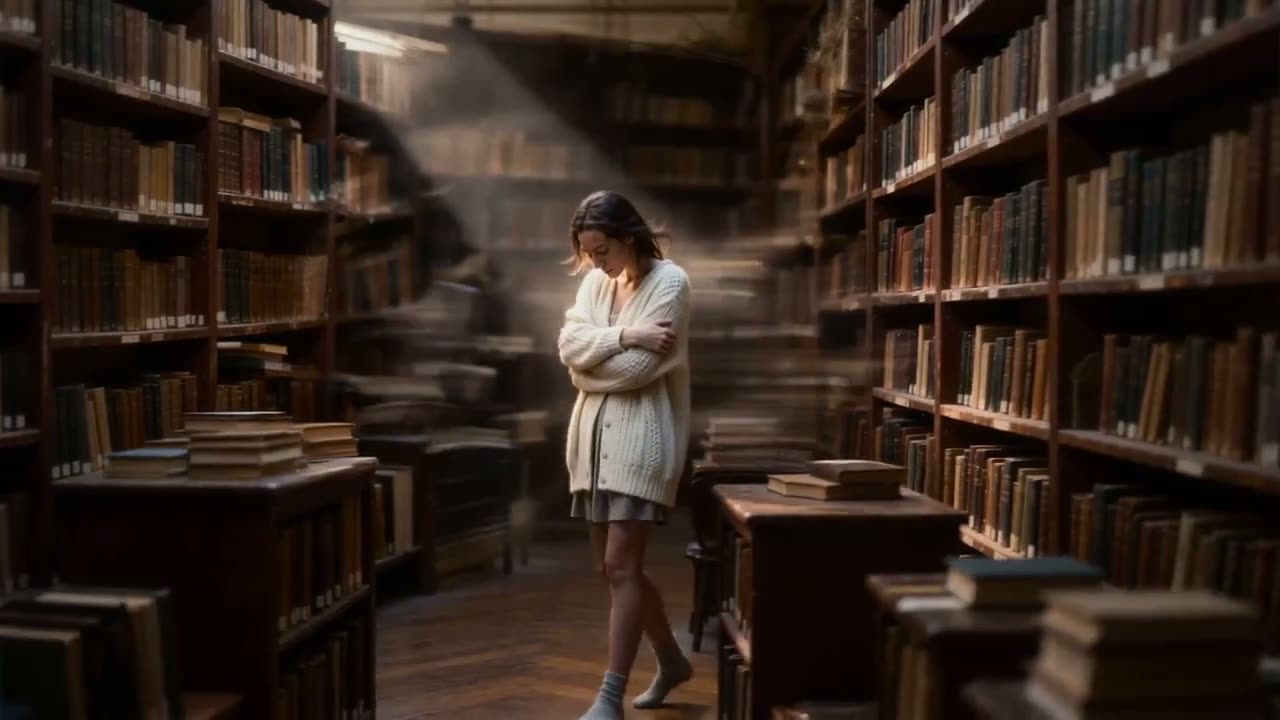
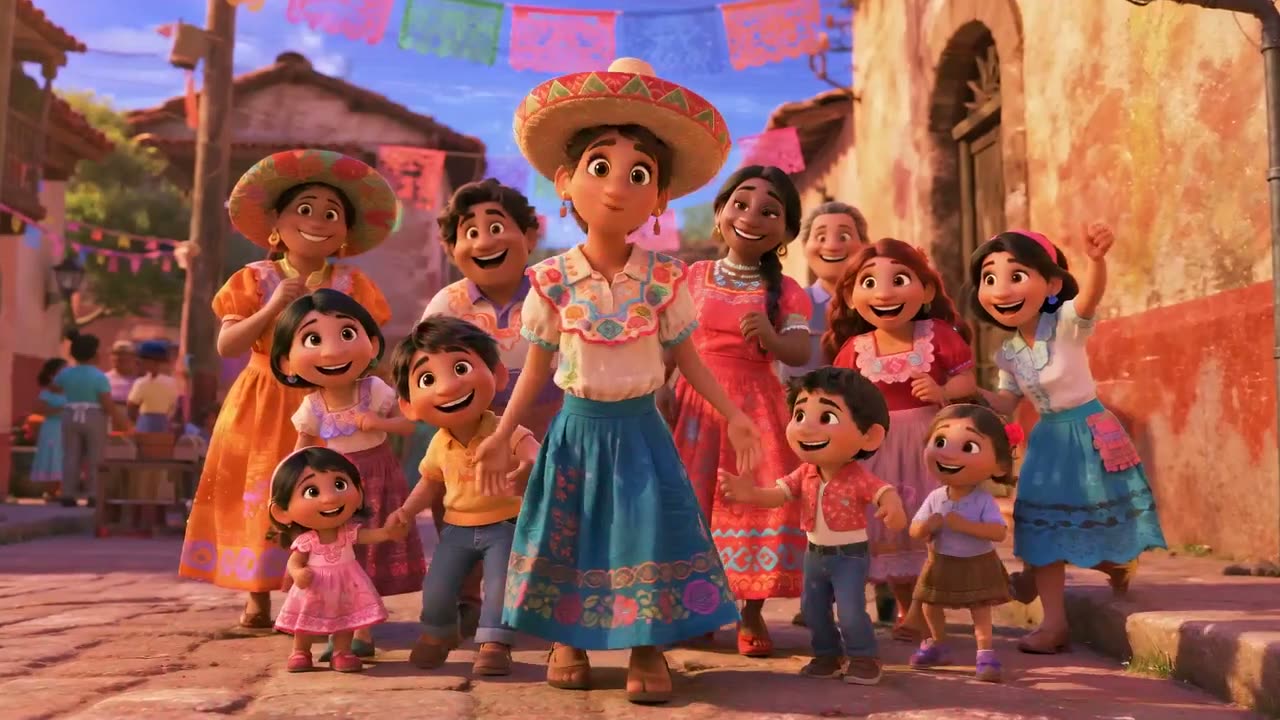
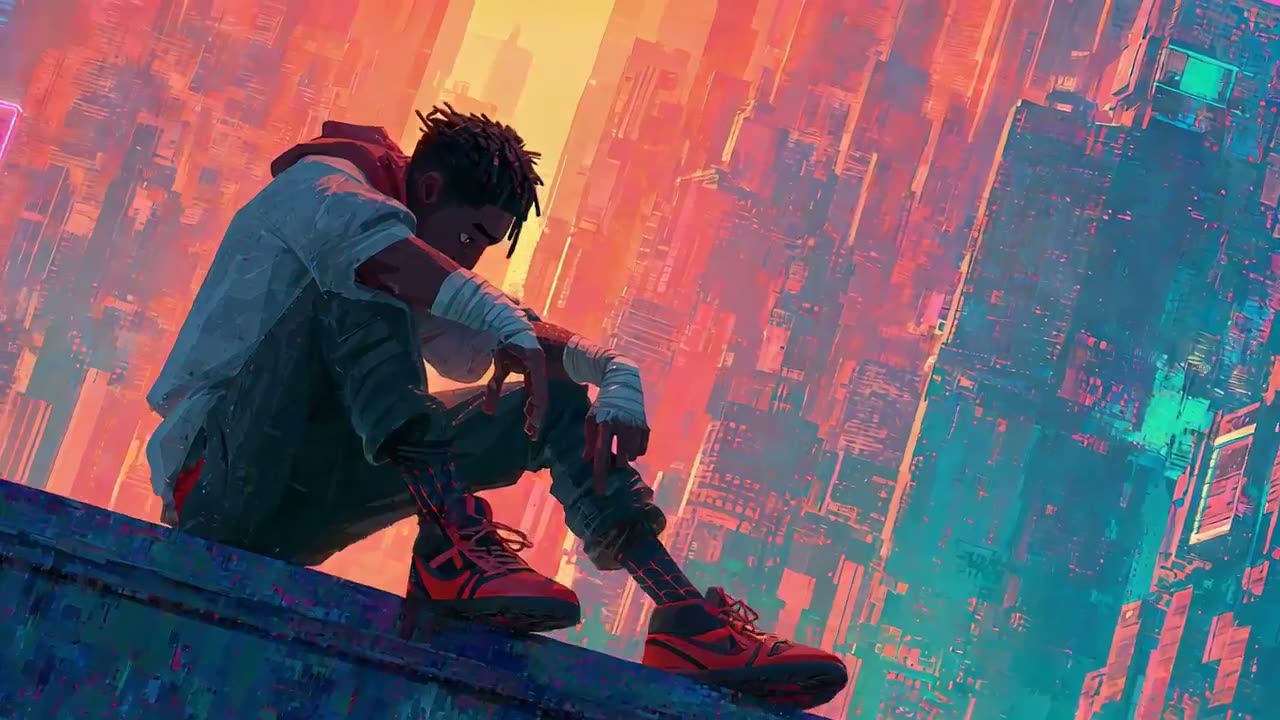
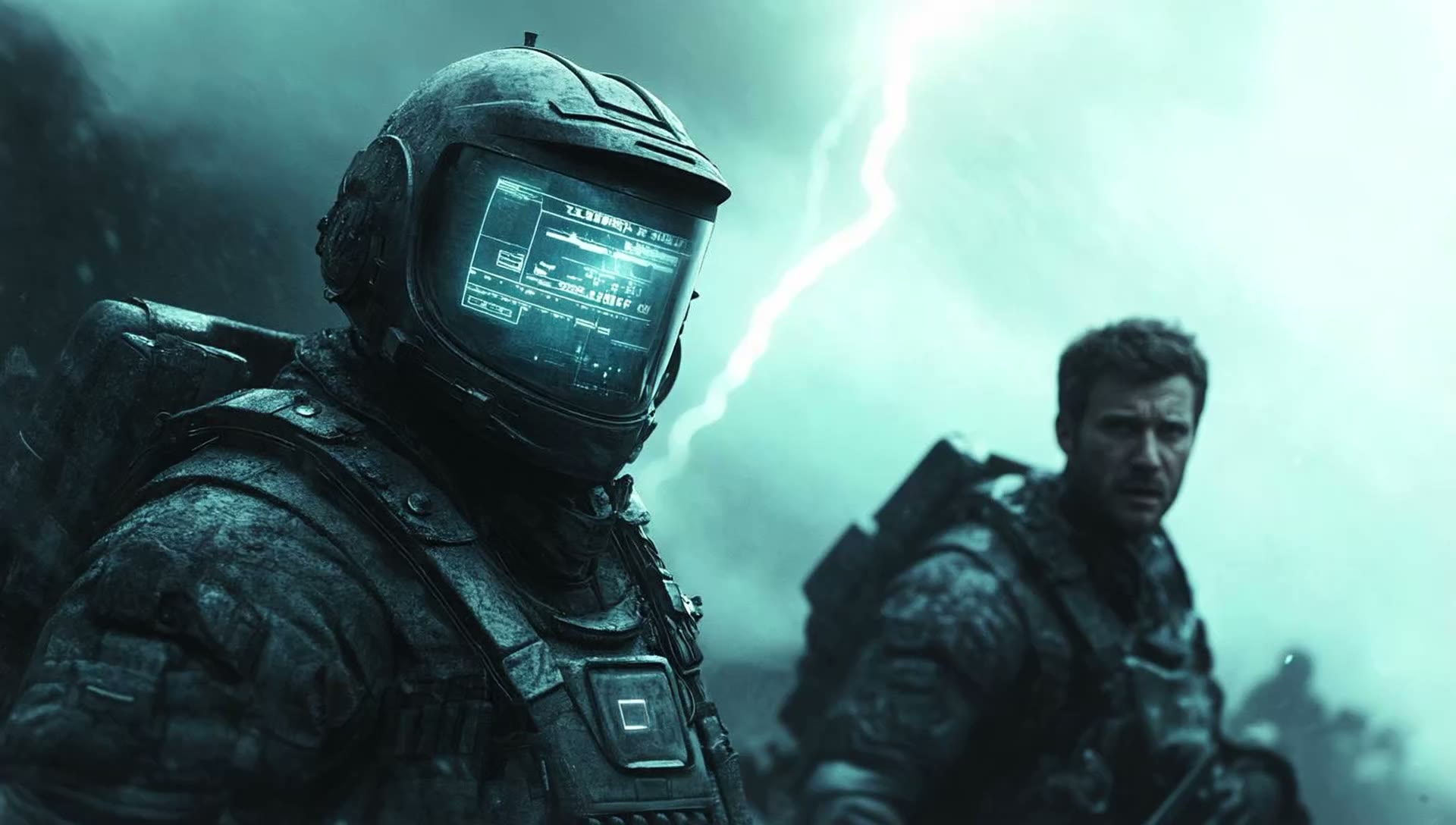
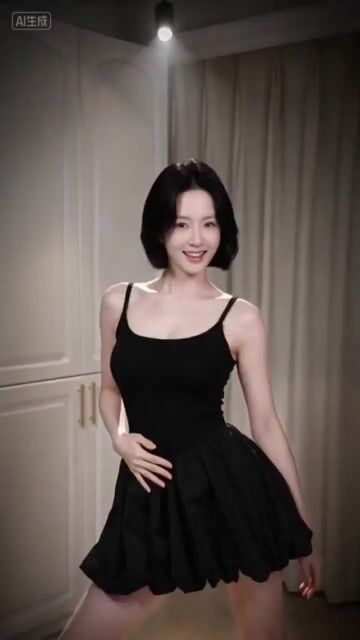
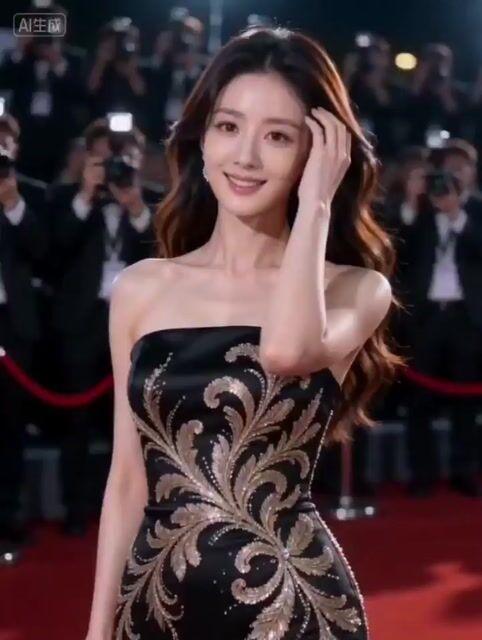
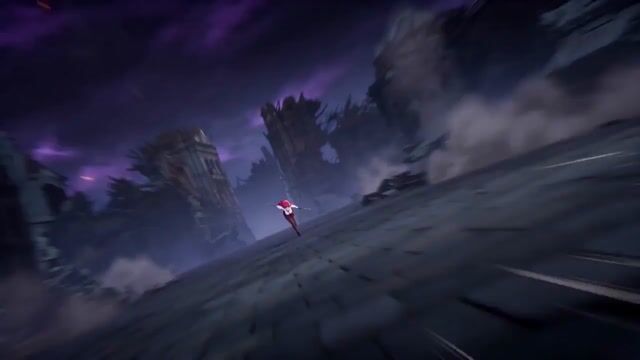
Watch real sample clips and see the motion, style, and detail you can get.


Explore Ready-to-Use Video Prompts
Pick a prompt, choose a Wan model, and start creating in seconds.
Everything You Need to Create Wan AI Videos
Wan AI gives you a full AI video generator in your browser. Here is what you can do with it today.
Use the Newest Wan Video Models
Get Wan 3.0, Wan 2.7, and Wan 2.6 in one place. Each Wan model has its own strengths, so you can pick the best one for every project. We add new versions as soon as they are ready.
Tell Longer Stories in One Clip
Wan 3.0 can make clips from 2 up to 30 seconds long. That is enough time for a full product demo, a short ad, or a small scene with a beginning, a middle, and an end.
Get Sound That Matches the Picture
Turn on audio and your Wan video comes with sound built in. Footsteps, waves, music, and voices line up with what happens on screen. You skip the extra step of adding audio later.
Guide Every Shot with References
Upload reference images, video clips, or audio to show Wan AI exactly what you want. Keep a character's face the same, copy a camera move, or match a brand style across many clips.
Fix and Change Clips with Words
Already have a video? Use Wan 2.7 video edit to swap the background, change the weather, or restyle the whole clip. Just describe the change in plain English.
Keep Your Work Private
Your uploads and videos stay in your own account. Set any creation to private so only you can see it. Paid plans include a commercial license for your videos.
Why Creators Pick Wan AI for Video
Most AI video tools make you jump between apps. Wan AI keeps the newest Wan video models, your prompts, and your finished clips in one simple place. You spend less time setting up and more time creating.
Switch Wan Models in One Click
Try the same prompt on Wan 3.0 and Wan 2.7 without leaving the page. Compare the results side by side and keep the one you like best. No extra accounts. No new apps to learn.
Direct Your Shot, Not Just Your Prompt
Set the start frame and the end frame. Pick the aspect ratio, the length, and the resolution. Add reference photos or clips. You stay in control of how your Wan video looks and moves.
Get Pro Results Without Pro Skills
You don't need to know editing software. Just type what you see in your head. Not sure what to write? Our AI prompt helper turns a rough idea into a detailed prompt for you.
Built for Anyone Who Needs Video Fast
From solo creators to busy marketing teams, people use the Wan AI video generator to make more videos in less time.
Social Media Creators
Make eye-catching Reels, Shorts, and TikToks every day. Turn trending ideas into vertical 9:16 clips with sound in minutes, not hours.
Marketers and Advertisers
Create several versions of an ad from one prompt. Test hooks, colors, and scenes before you spend money on a real shoot.
Online Store Owners
Turn flat product photos into smooth product videos. Show your item spinning, in use, or in a styled scene to help shoppers buy.
Teachers and Trainers
Bring history, science, and stories to life with short Wan AI videos. Keep students interested with clips made for your exact lesson.
Agencies and Small Teams
Make storyboards, pitch videos, and client drafts without a full crew. Share quick previews and get approval sooner.
Hobbyists and Storytellers
Animate old family photos, make a music video for your band, or film the short story you have always wanted to tell.
Loved by Creators Around the World
Here is what real users say about making videos with Wan AI.
I had hundreds of trip photos sitting on my phone. Wan AI turned them into moving scenes with ocean sounds and wind. My channel views went up the first week I posted them.
Jordan Ellsworth
Travel Vlogger
I make trailers for my games with Wan 3.0. The reference feature keeps my main character looking the same in every shot. That used to be the hardest part.
Theo Lindqvist
Indie Game Developer
Wan AI lets me test ten ad ideas in one afternoon. We only pay for a real shoot once we know which idea wins. It has cut our testing costs a lot.
Kenji Morales
Performance Marketer
I needed visuals for a new single and had no budget. Wan AI gave me dreamy, colorful loops that match the beat. My fans thought I hired an artist.
Samuel Adeyemi
Music Producer
I use Wan AI to build animatics before we shoot. The first and last frame control helps me plan each camera move. My crew knows exactly what I want on set.
Diego Fontaine
Short Film Director
Our cake photos now turn into little videos of frosting swirls and candles glowing. Online orders went up after I added them to our shop page.
Lucas Moreau
Bakery Owner
I had hundreds of trip photos sitting on my phone. Wan AI turned them into moving scenes with ocean sounds and wind. My channel views went up the first week I posted them.
Jordan Ellsworth
Travel Vlogger
I make trailers for my games with Wan 3.0. The reference feature keeps my main character looking the same in every shot. That used to be the hardest part.
Theo Lindqvist
Indie Game Developer
Wan AI lets me test ten ad ideas in one afternoon. We only pay for a real shoot once we know which idea wins. It has cut our testing costs a lot.
Kenji Morales
Performance Marketer
I needed visuals for a new single and had no budget. Wan AI gave me dreamy, colorful loops that match the beat. My fans thought I hired an artist.
Samuel Adeyemi
Music Producer
I use Wan AI to build animatics before we shoot. The first and last frame control helps me plan each camera move. My crew knows exactly what I want on set.
Diego Fontaine
Short Film Director
Our cake photos now turn into little videos of frosting swirls and candles glowing. Online orders went up after I added them to our shop page.
Lucas Moreau
Bakery Owner
We used to pay for a studio every time we launched a product. Now I upload one product photo and get a clean, glowing video in minutes. It looks like we hired a film crew.
Mariana Okafor
Skincare Brand Founder
My students love the short clips I make about volcanoes and the water cycle. I just type what I need, and I have a video ready before class starts.
Aisha Rahman
Middle School Science Teacher
I add a few seconds of gentle motion to my best wedding shots as a bonus for couples. They always cry happy tears. The faces stay exactly the same, which matters to me.
Olivia Brennan
Wedding Photographer
I turn listing photos into slow walk-through clips. Buyers stop scrolling when they see a room come to life. It helps my listings stand out online.
Hannah Weiss
Real Estate Agent
I post a new workout teaser every day. Wan AI makes fun intro clips for me in a few minutes, so I can focus on coaching instead of editing.
Priyanka Desai
Fitness Coach
I animate my own illustrations to make book trailers. Wan AI keeps my drawing style, so the video feels like the book. Parents share them all the time.
Grace Nakamura
Children's Book Author
We used to pay for a studio every time we launched a product. Now I upload one product photo and get a clean, glowing video in minutes. It looks like we hired a film crew.
Mariana Okafor
Skincare Brand Founder
My students love the short clips I make about volcanoes and the water cycle. I just type what I need, and I have a video ready before class starts.
Aisha Rahman
Middle School Science Teacher
I add a few seconds of gentle motion to my best wedding shots as a bonus for couples. They always cry happy tears. The faces stay exactly the same, which matters to me.
Olivia Brennan
Wedding Photographer
I turn listing photos into slow walk-through clips. Buyers stop scrolling when they see a room come to life. It helps my listings stand out online.
Hannah Weiss
Real Estate Agent
I post a new workout teaser every day. Wan AI makes fun intro clips for me in a few minutes, so I can focus on coaching instead of editing.
Priyanka Desai
Fitness Coach
I animate my own illustrations to make book trailers. Wan AI keeps my drawing style, so the video feels like the book. Parents share them all the time.
Grace Nakamura
Children's Book Author
Pick the Wan AI Plan That Fits You
Start free, then upgrade when you need more. Every plan gives you credits for Wan AI video and image tools, faster queues, and a commercial license.
Cancel anytime
$0.025 / credit
$178.8 billed yearly
- 600 credits/month
- Commercial license
- Seedance 2.0
- All top AI video models in one place
- AI image generation included
- Fast generation speed
- No watermark
- Private generation
- 1 concurrent generation
- Up to 1080p resolution
- Customer support
$0.017 / credit
$298.8 billed yearly
- 1,500 credits/month
- Commercial license
- Seedance 2.0 — save 30% credits
- All top AI video models in one place
- AI image generation included
- Priority generation speed
- No watermark
- Private generation
- 4 concurrent generations
- Up to 1080p resolution
- Customer support
$0.014 / credit
$598.8 billed yearly
- 3,600 credits/month
- Commercial license
- Seedance 2.0 — save 30% credits
- All top AI video models in one place
- AI image generation included
- Fastest generation speed
- No watermark
- Private generation
- 10 concurrent generations
- Up to 1080p resolution
- Dedicated support
How to Make a Video with Wan AI
Go from idea to finished clip in three easy steps. No download and no editing skills needed.
Write a Prompt or Upload a Photo
Describe the scene you want, like "a chef flipping pancakes in a sunny kitchen, slow motion." Or upload a photo to use as the first frame of your Wan AI video.
Pick a Wan Model and Settings
Choose Wan 3.0, Wan 2.7, or another model. Set the length, the resolution, and the aspect ratio. Turn on audio if you want sound. Then click Generate.
Download and Share Your Clip
Preview your video in a few minutes. Download it as an MP4 and post it to TikTok, YouTube, Instagram, or your website. Not happy? Tweak the prompt and try again.
Wan AI Video Generator FAQs
Quick answers about Wan AI, the Wan video models, and how to get started.
Contact us at support@wann.video
Make Your First Wan AI Video Today
Your next great video is one prompt away. Sign in, grab your free credits, and see your idea move in minutes.
No editing skills needed